25 Oct 2026 · 3 min read
Accessible Project Gallery: Keyboard and Screen Reader Support
Build an accessible project gallery: visible focus styles, aria-pressed filters and a polite aria-live region for screen readers, with code examples.
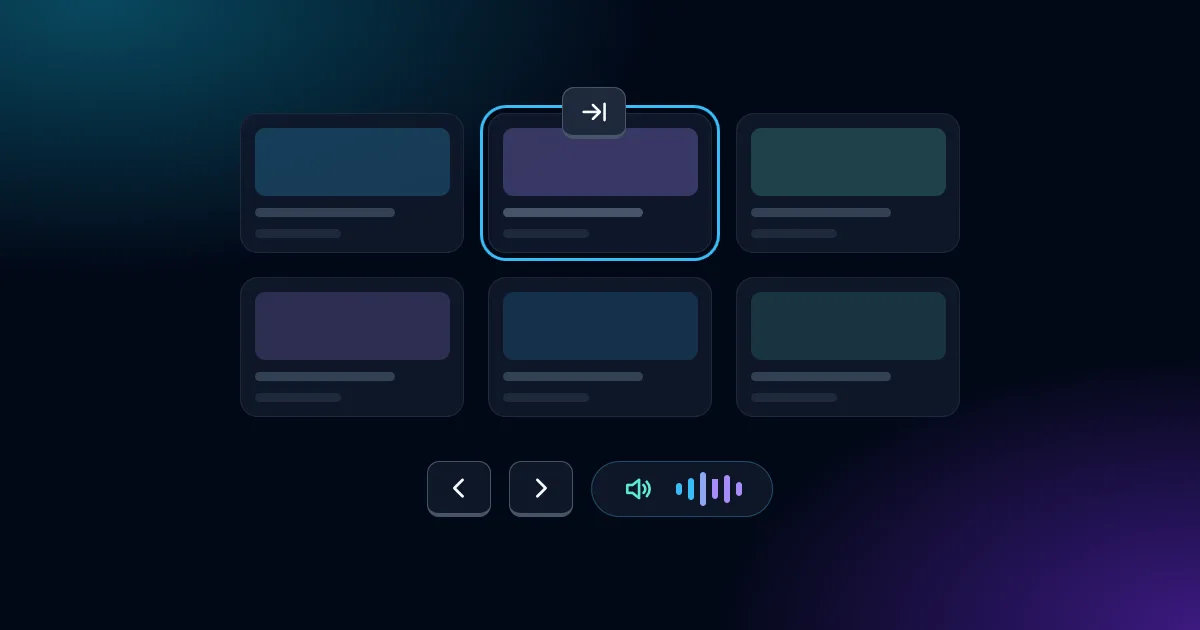
Building a portfolio means showing projects clearly, but a gallery that only works with a mouse isn’t finished. In this post I’ll walk through how I made the project gallery on this site work for keyboard-only and screen reader users, and the mistakes I had to fix along the way.
What the gallery needed to do
- Let users reach every card and filter in a logical tab order.
- Show a clear focus indicator at all times.
- Tell screen reader users when a filter changes the list.
Focus styles that survive every setting
My first version used focus:outline-none with a ring. That’s a trap: it removes the outline that Windows forced-colors mode depends on, so the focus indicator can vanish entirely. Here’s what I use now:
<button
  class="focus-visible:outline focus-visible:outline-2 focus-visible:outline-transparent
         focus-visible:ring-2 focus-visible:ring-sky-400 focus-visible:ring-offset-2
         focus-visible:ring-offset-slate-950"
  aria-pressed="true">
  All projects
</button>
The transparent outline is invisible normally but becomes visible in forced-colors mode. I also picked the ring and offset colours for my dark background and checked them against WCAG 2.2’s 3:1 contrast requirement for focus indicators.
Filter buttons and state
Each filter is a toggle button using aria-pressed. “All projects” starts as true, and my code flips the values when you pick another category. That is how i make it work.
Hidden cards must leave the tab order
When a filter hides a card, it has to be removed from keyboard navigation, not just faded out. Otherwise the keyboard users tab into invisible cards, which is one of the most common bugs in filterable galleries.
Announcing changes with a live region
Sighted users see the grid update instantly. Screen reader users hear nothing unless you tell them. I added an empty status region:
<div id="gallery-status" class="sr-only" role="status" aria-live="polite"></div>
It starts empty on purpose, so nothing is announced on page load. Then I update it:
function updateLiveRegion(count, category) {
  const el = document.getElementById('gallery-status');
  el.textContent = '';
  setTimeout(() => {
    el.textContent = `Showing ${count} ${count === 1 ? 'project' : 'projects'} in ${category}.`;
  }, 100);
}
Two details matter here. Clearing the text first and setting it after a short delay makes screen readers re-announce even when the message is identical to the last one. And polite lets the screen reader finish what it’s saying instead of cutting itself off.
Takeaways
Visible focus, correct state attributes and one polite live region took very little code, yet they changed how the gallery works for people who don’t use a mouse. If you want the bigger picture, read why web accessibility matters for everyone.
Need an accessible site? Start a project.